




It reads engineering mail
It can tell a compensation event from a payment application, and Rev C from Rev B.
Letterbox
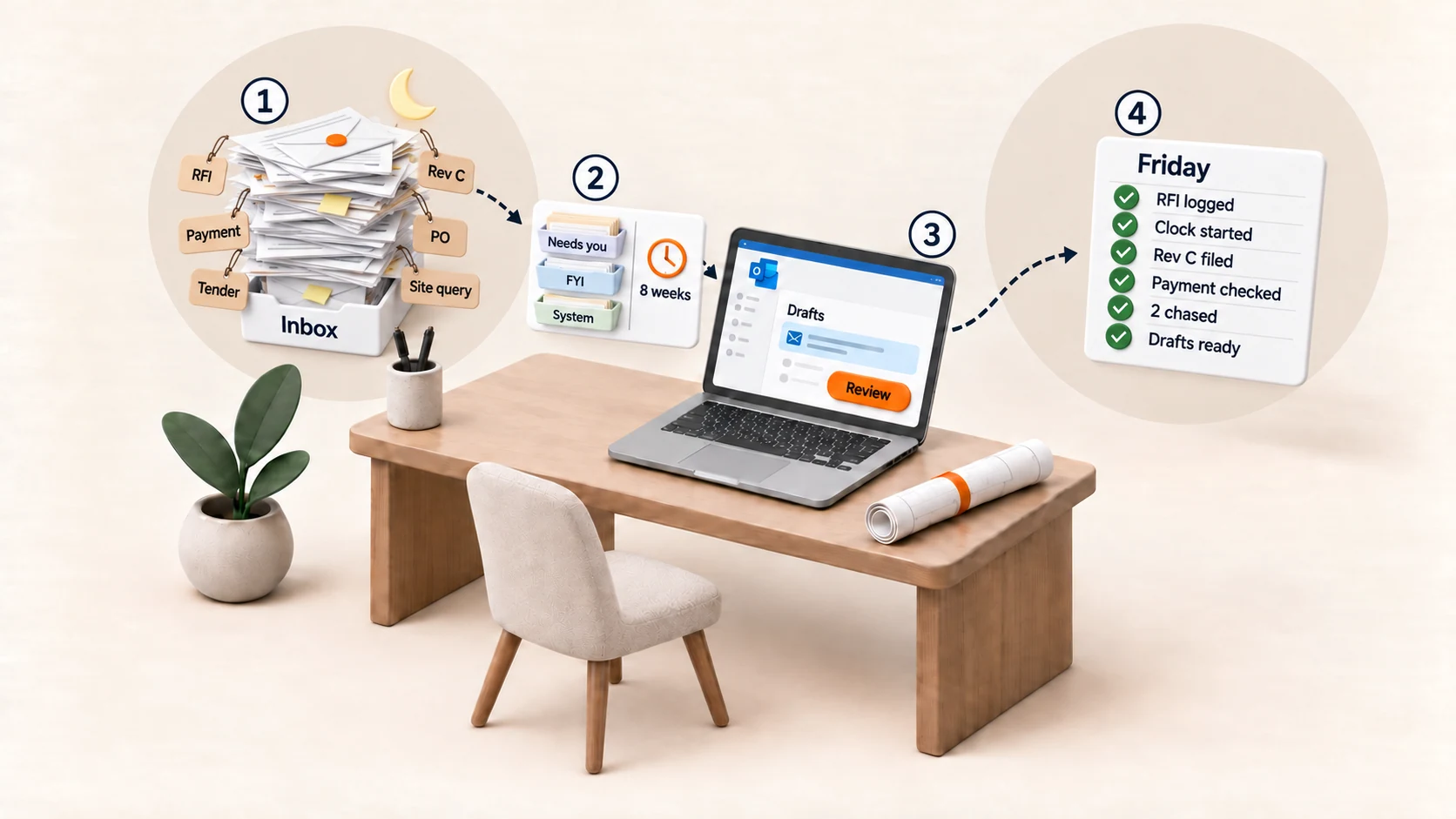
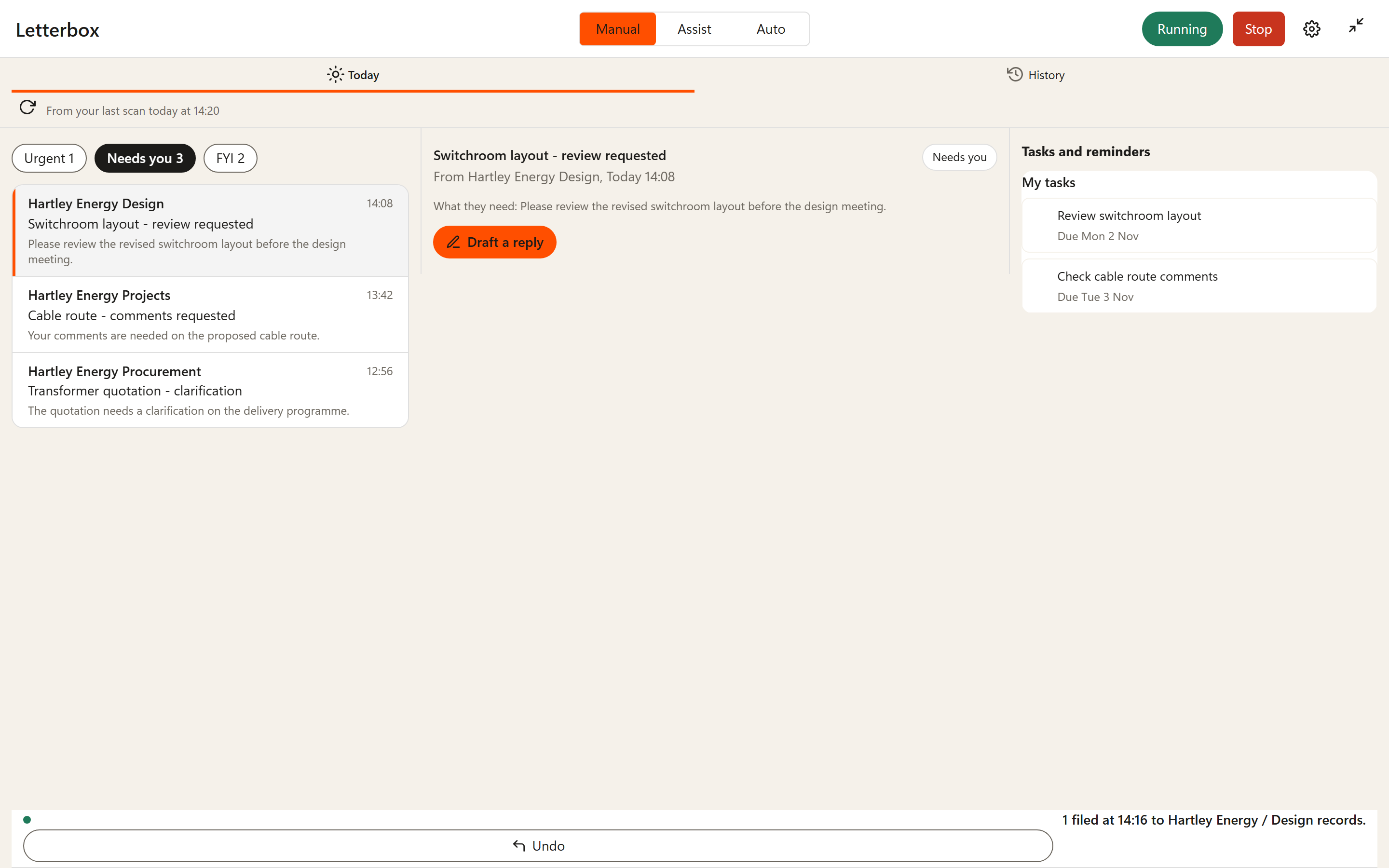
Letterbox reads your engineering email like a project engineer: RFIs, drawing revisions, payment notices and contract clocks, sorted and ready before you start.
See the important email before it costs you time or money.
It can tell a compensation event from a payment application, and Rev C from Rev B.
No deadline or standard is stated without where it came from, and contract dates are marked for you to confirm.
Your morning brief brings together the emails, replies and dates that need your attention.
Add Letterbox to the Outlook you already use.
Each email gets a short summary, and what needs you comes to the top.
Drafts wait in your Drafts folder. You read them, change them and press send.
30 days free, then £15 per user per month, paid yearly, or £19 per user per month, paid monthly. Excluding VAT.
Every move can be undone.
We use necessary cookies to run the site and keep it secure, and count visits anonymously with no cookies. Statistics and advertising cookies are used only if you say yes. Nothing optional is set until you choose. Cookie notice